What Size TV Stand Fits Your TV (and Your Room)
July 17, 2026
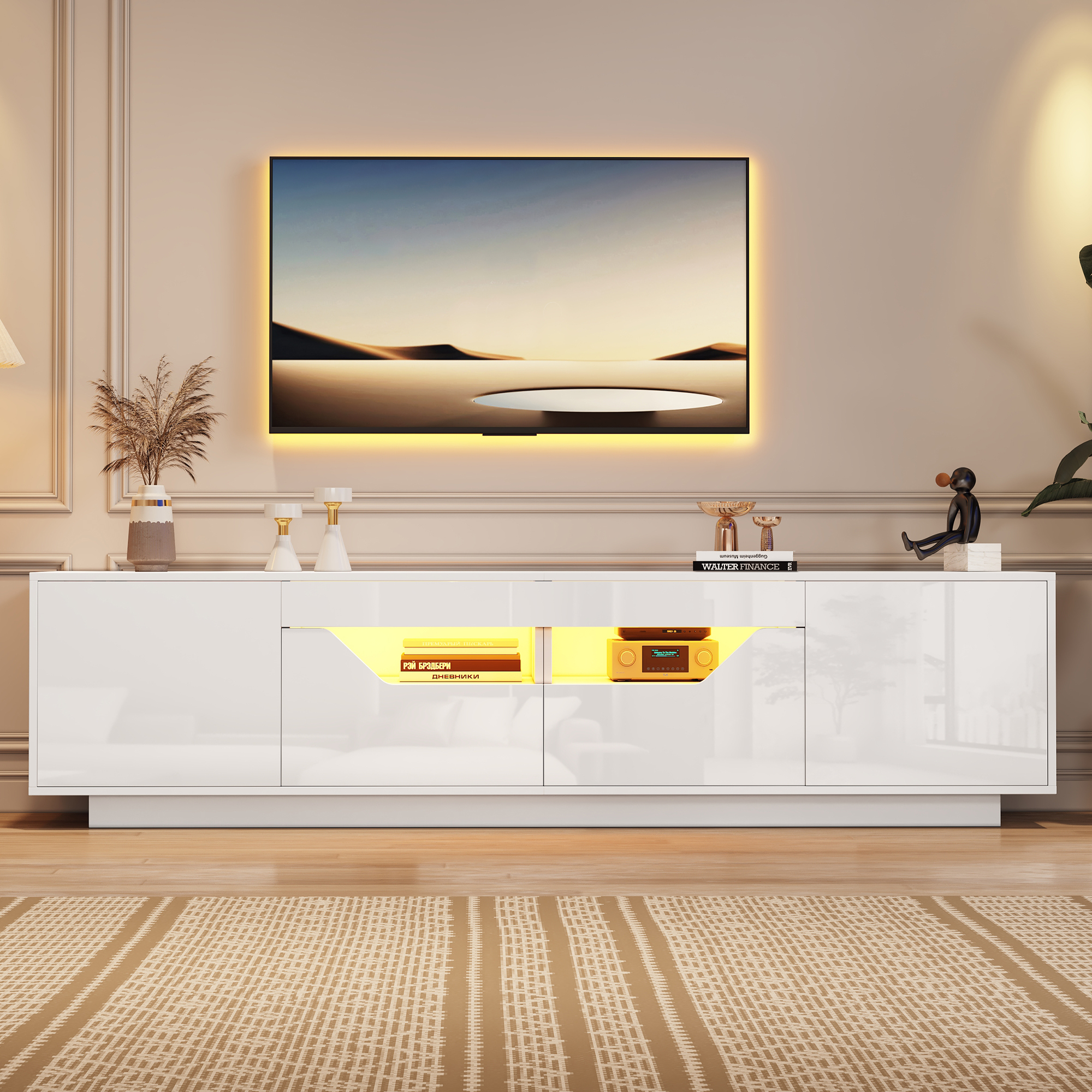
A TV's advertised size is the diagonal of the glass, corner to corner. Furniture is measured straight across. Skip that conversion and you buy a 55-inch stand for a 55-inch TV, then discover the two numbers describe different things and the setup looks fine. The trouble arrives when the mistake runs the other way, with a screen hanging past both edges of its furniture like a diving board. Sizing a TV stand takes three numbers: the TV's real width, the stand's height, and the distance to the sofa.
TV Inches Are Diagonal Inches
The actual width of a flat screen is about 87 percent of its advertised size, plus a little bezel. In practice:
- 43-inch TV: about 38 inches wide
- 50-inch TV: about 44 inches wide
- 55-inch TV: about 48 inches wide
- 65-inch TV: about 57 inches wide
- 75-inch TV: about 66 inches wide
Write down the real width before you shop. Every other decision hangs off it.
The Stand Should Be Wider Than the TV
At minimum, the stand extends 2 to 3 inches past the screen on each side. The proportion that looks deliberate is more generous: a stand about 20 percent wider than the TV, so a 48-inch-wide screen sits on 55 to 60 inches of furniture. The extra width does practical work too, giving the soundbar, the console, and the router somewhere to live that does not block the picture. A TV wider than its stand looks precarious because it is; one knock on an overhanging corner and physics takes over.
Height: Eye Level Rules Everything
Seated eye level for most adults on most sofas is 40 to 42 inches off the floor, and that is where the center of the screen belongs. Work backwards from there: screen center height equals stand height plus roughly half the TV's height, so a 65-inch TV, which stands about 32 inches tall on its legs, wants furniture in the 22 to 26 inch range. Most stands in the TV unit collection land between 20 and 28 inches for exactly this reason. Higher than that and everyone watches with a tilted neck, the same reason over-fireplace mounting divides households.
Floating Cabinets
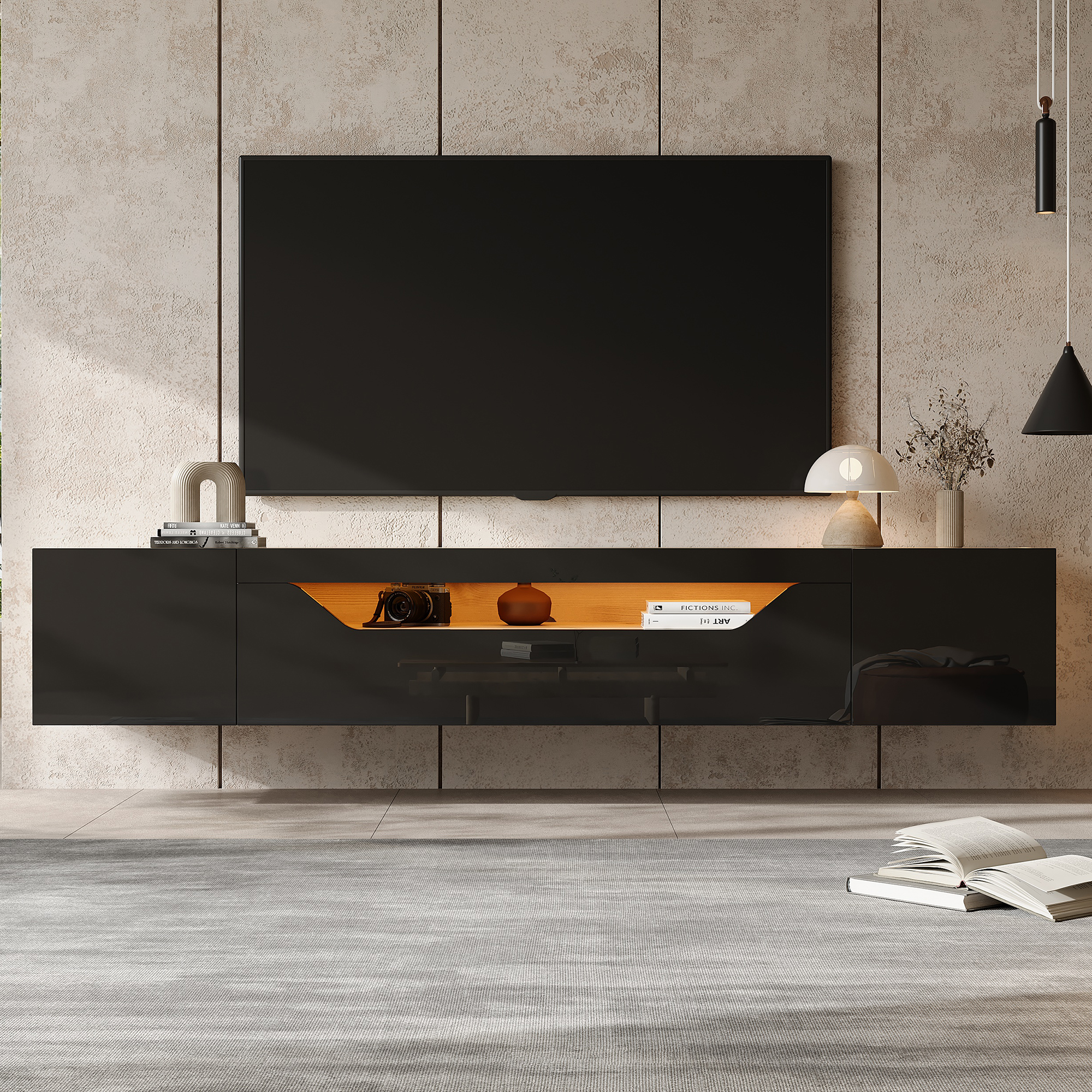
A wall-mounted cabinet frees the floor beneath it, which visually enlarges a small room, and it puts cables inside a closed box instead of behind a tangle of legs. Mount the cabinet so its top sits a few inches below the wall-mounted screen, keeping that screen center at 40 to 42 inches. Two cautions: the wall needs solid anchoring into studs or masonry, and the cabinet holds less weight than a floor unit, so the heavy vintage receiver stays elsewhere.
Depth, Cables, and Air
Fifteen to 18 inches of depth handles a TV on its feet plus a console behind the doors. Check three small things before buying: a cable hole in the back panel so wires route down inside the unit, ventilation gaps or open shelving where the game console lives, since consoles throttle themselves in sealed cabinets, and enough clearance between shelf and TV bottom for a soundbar if one is in the plan. Glossy units with LED strips light the wall behind them nicely, and the strip does a second job as bias lighting that eases eye strain during dark movies.
When a Sideboard Does It Better
In a larger room where the sofa sits 9 or 10 feet back, a sideboard makes a stronger wall than a low TV bench. Sideboards run 30 to 35 inches tall, and at that distance the slightly high screen center stops mattering while the piece anchors the wall the way a console never quite does. The storage is the real argument: doors and drawers swallow the board games, chargers, and controller pile that otherwise colonize the coffee table.
Match It to the Seating
Last check before buying: measure from the screen wall to the front edge of the sofa. For 4K TVs, comfortable viewing runs 1 to 1.5 times the diagonal, so a 65-inch screen wants 5.5 to 8 feet. If the room puts you closer, size the TV down rather than the furniture up. Tape the stand's footprint on the floor, walk past it for a day, and make sure the room's main path does not cross in front of the screen, because that path will be used mid-movie forever.